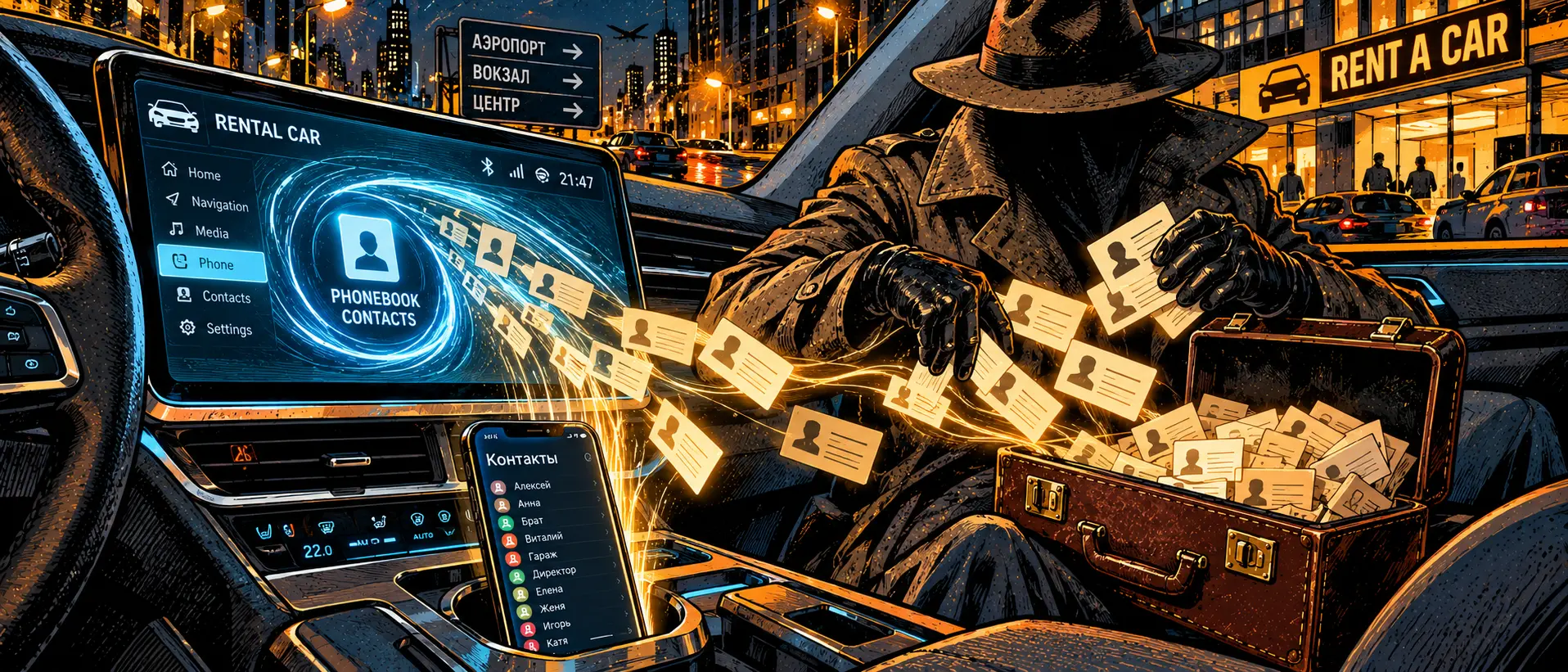
Last time, we explored core network architecture and dissected the concept of national white lists (Default Deny). Today, strictly following our engineering-versus-everyday-pain alternation schedule, we are coming back down to earth—straight into the interior of a car you rented for a half-hour drive home.
The scenario is painfully familiar: you unlock a rental car via an app, slide behind the wheel, and toss your bag onto the passenger seat. To listen to music and use your preferred navigation app, you plug in a USB cable or tap Bluetooth: the car's infotainment screen cheerfully prompts you to sync your smartphone.
A couple of taps on "OK," the music is playing, you reach your destination, shut off the engine, end the rental, and walk away.
And the next day, you or your loved ones start receiving calls from yet another wave of "security departments" and spammers offering to urgently buy back a car or take out a loan. You scratch your head wondering: how did they get your fresh data when you never let your phone out of your hands?
The Anatomy of Hospitality: What the Car Tablet Sucks Out
A modern car's onboard system (even a budget Chinese crossover in a city car-sharing fleet) isn't just a stereo. It's a full-fledged Linux or Android computer with non-volatile eMMC flash memory:
A complete phone book dump. When connecting via Bluetooth, the PBAP (Phone Book Access Profile) protocol requests permission to import contacts. Most drivers automatically tap "Allow" on their smartphone screen. Within three seconds, the head unit downloads your entire address book: relatives' names, work notes, home phone numbers, and memos.
Call logs and SMS cache. The MAP (Message Access Profile) protocols save the history of recent incoming and outgoing calls directly to the infotainment system's local database.
Geolocation points and routes. If you connected Apple CarPlay or Android Auto, the system caches recent trip addresses: "Home," "Office," "Child's School," "Country House."
The Million-Dollar Fact: Nobody Clears the Memory
What happens when you end your rental and slam the door?
The car's memory stores dozens of previous profiles. The head unit simply leaves a tile with your phone's name hanging there: iPhone (Alexey). The next renter gets into the car, digs into the Bluetooth menu or contacts section—and calmly flips through your numbers, viewing your call history and addresses.
The "Salon Leakers" Business Model. Unscrupulous car wash workers, fleet relocation drivers, or simply enterprising passengers have long mastered extracting these databases: it takes only plugging a prepared flash drive into the service USB port or entering the infotainment engineering menu to pull SQLite databases of hundreds of drivers who used the car over the month in a matter of minutes.
A ready-made profile for social engineering. When a scammer calls a victim knowing the exact car brand they drove yesterday, their home address, and the names of their sister or boss found in the contacts, the victim's critical thinking shuts down instantly.
Practical Self-Defense in Rental Transport
You don't have to give up the convenience of navigation and music, but feeding strangers' electronics with your data is criminal negligence:
Charging via a "USB condom" or data-free mode. If you just need to charge your phone, use a cable without data transmission lines (Data-blocker) or plug your charger into the 12V cigarette lighter socket using a standard adapter. A regular multimedia USB port always initiates a media library and file system query.
Total ban on PBAP/MAP profiles. If Bluetooth pairing is necessary for hands-free calling, immediately after pairing, go to the Bluetooth settings on your smartphone (the gear icon next to the connected car's name) and forcibly toggle off: "Contact Syncing" and "Message Access." Leave only "Audio."
Deleting your profile before tapping "End Trip." Build a hard reflex: 30 minutes before leaving the car, go into the onboard screen settings, find the list of paired devices, and tap "Delete Device / Forget Phone." This clears temporary indices and leaves no digital traces for the next renter.
The security of your personal information isn't tested when you're sitting safely at your home computer, but rather in those moments when you plug your main working tool into someone else's public hardware.