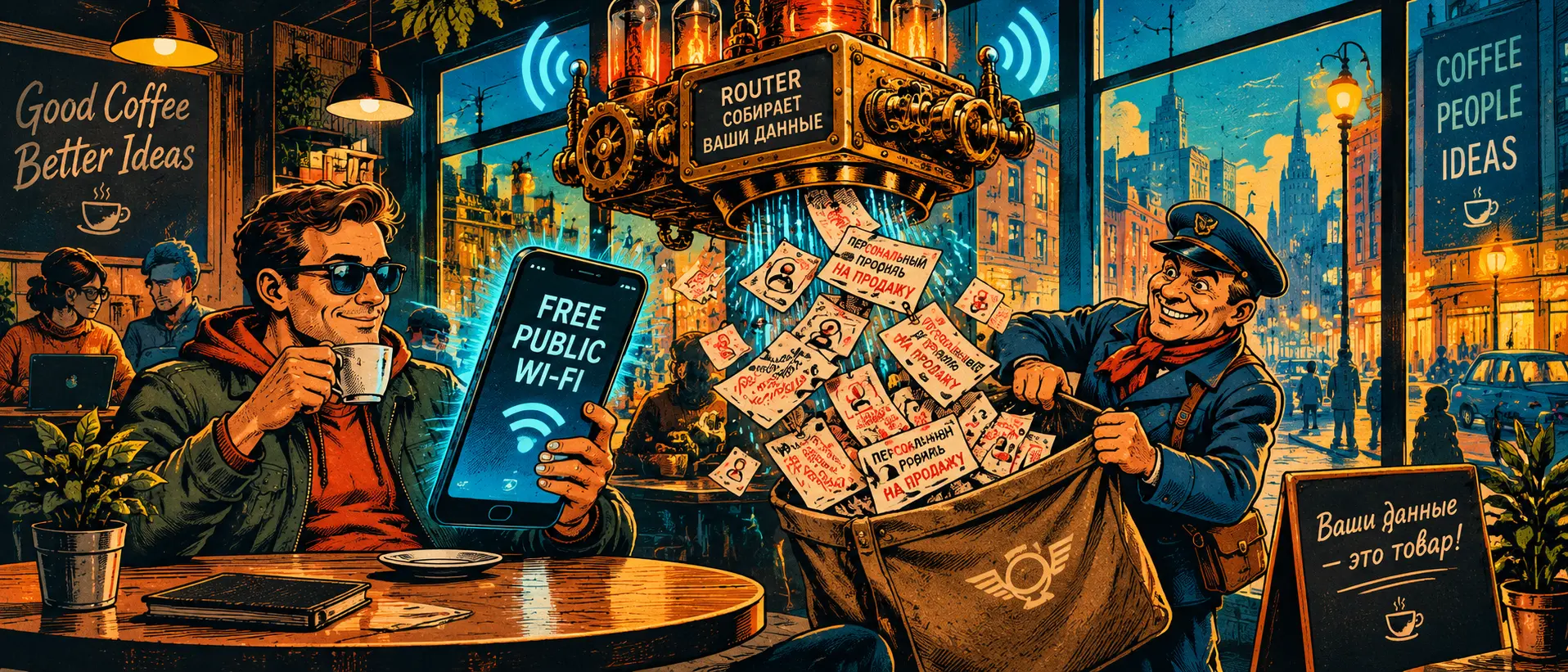
"The Double Meter": Why Free Wi-Fi in Cafes and Airports is More Dangerous than an Open Window and How We Get Sold to Ad Brokers ☕📡
Last time we dove deep into engineering and looked at how clever JA4 algorithms calculate encryption fingerprints. Today, strictly according to our alternating schedule, we return to a common, down-to-earth pain point that practically every first person encounters when grabbing a bite to eat or waiting for a flight.
The scenario is standard: you sit down at a table, open your laptop or phone, and a polite sign informs you: "We have fast and free Wi-Fi." You connect happily, enter your phone number for SMS authorization, take a sip of coffee, and think you've saved on mobile data.
And two hours later, your phone starts blowing up with calls from realtors, microloan spam, and targeted ads for the dental clinic you just walked past. And that is in the best-case scenario.
Establishments aren't running charities. Installing professional access points, paying for an Internet service provider contract, and complying with statutory authorization laws all cost money. Where does the return on investment come from?
You are simply being sold in three stages:
- Parsing your digital footprint via a captive portal. That exact authorization screen asking you to enter your phone number or log in via social media isn't just a formality. At that moment, the establishment (or more precisely, a third-party marketing intermediary) links your phone number to your smartphone's MAC address, device model, duration of stay, and even your movement history between other access points in the same network.
- Injecting hidden redirects and harvesting unencrypted metadata. Even if websites operate over HTTPS, the very fact of which servers your device communicates with (DNS requests and host addresses) is visible to the router owner as clear as day. A profile accumulates: which banks you use, which messengers are active, what hours you work. This digital snapshot is sent off to data exchanges for a fraction of a cent.
- Spoofing and Evil Twins. In any crowded place right now, an unassuming guy with a small box in his backpack might be sitting nearby, broadcasting a network with the exact same name as the cafe:
Coffee_Free_WiFi. Your smartphone hooks onto it on autopilot—and all incoming and outgoing traffic flows through someone else's gateway with replaced certificates.
Food for Thought: How a Router Remembers You for Years
Do you know what your phone shouts out into the air every single second, even when Wi-Fi is simply turned on but not connected to anything?
- The network search function constantly broadcasts so-called Probe Requests—queries containing a list of networks you've connected to before: your home router, office, summer cottage, or vacation hotel.
- Shopping malls and chain coffee shops use cheap scanners that instantly recognize you at the entrance using these requests, even if you never took your phone out of your pocket.
- Your entire life, habits, and movement routes around the city are pieced together into a single commercial tracker simply because the Wi-Fi icon is lit up in your smartphone's quick settings panel.
Network Self-Defense in Public Places
Stopping drinking coffee in the city isn't an option, but stopping being a free data source is a completely achievable task:
- Turn off auto-connection to networks. In your phone settings, disable the toggles for "Connect to open networks automatically" and "Automatically turn on Wi-Fi near known networks." Otherwise, your phone will gladly jump right into the paws of any device broadcasting a spoofed network name.
- Enable MAC address randomization. On modern Android and iOS devices, you can force the setting to "Use randomized MAC" for each new Wi-Fi connection. This prevents trackers from linking your visits into a single dossier.
- A silent tunnel from the very first second. Once connected to a public network, your absolute first action should be launching a trusted encrypted transport to your own trusted node. Until that tunnel is established, do not open a browser or banking apps. To the access point operator, all your traffic should look like a single continuous encrypted stream to an unknown server, from which not a single piece of useful metadata can be extracted.
Public internet is always someone else's territory with someone else's rules. And if you step out there without your own armor, you are paying for free Wi-Fi with your personal privacy.
Keywords (SEO): danger of free wi-fi, why you shouldn't connect to open networks, data interception on public wifi, phone number authorization in cafes, how to protect your phone on an open network, tracking via probe requests, mac address randomization